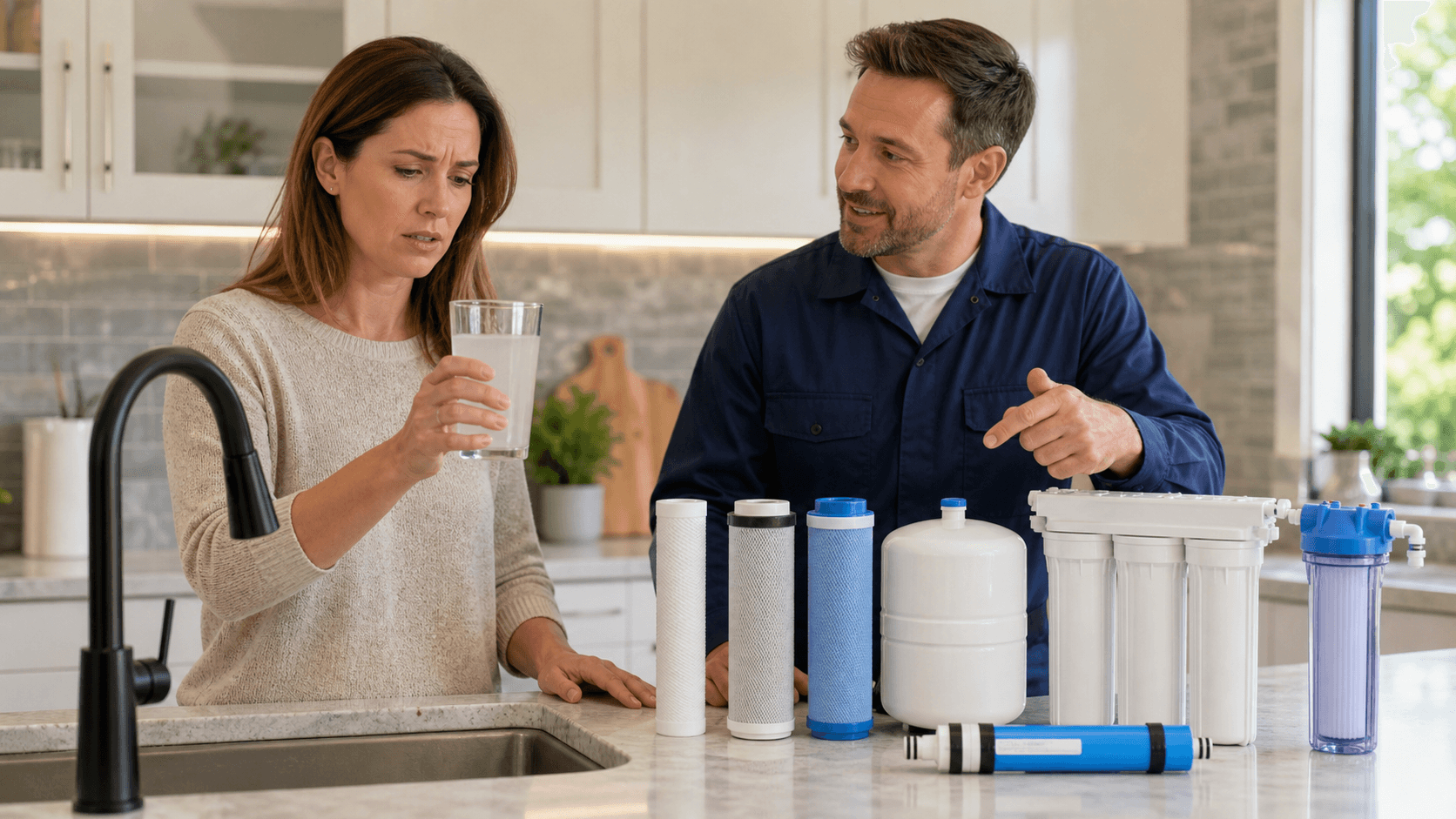
Turn Panicked Plumbing Visitors Into Filtration Buyers
Most plumbing sites are built around the company, not the homeowner. The menu follows your org chart, your truck wraps, and how you talk in the office. But a stressed parent with brown water coming from the tub is not thinking in service codes. They are thinking in questions.
That gap is where a lot of easy water filtration money gets lost. Emergency calls for leaks, clogs, or water heater trouble often start with bad water. Hard water beats up heaters. Sediment clogs fixtures. Corrosive water chews through pipes. If your plumbing website never guides those visitors toward a water filtration consult, you get the one-time job and miss the long-term relationship.
A question-first site gives them a clear path. It takes people from "Help, my basement is flooding" to "Yes, I want better water in my whole home" without feeling pushy. We are going to walk through how to build that: smart site architecture, simple menu labels, a clear service layout for RO, softeners, and whole-home systems, and real-world paths that turn emergency plumbing traffic into high-margin filtration work.
Shift From Service-First to Question-First Navigation
Question-first IA means you stop leading with your service list and start leading with the questions homeowners actually type and say. Instead of hiding filtration under "Services > Water Treatment," you put the real problems up front.
Think about what you hear on the phone:
- Why is my water cloudy?
- Why does my water smell like rotten eggs?
- Is my tap water safe for my kids?
- Why is my water heater always dying?
Now connect those to emergency plumbing intents you already get:
- Burst or leaking pipes: possible corrosion or aggressive water
- Rusty or orange water: iron, old pipes, or both
- Failing water heater: hard water scale and sediment buildup
- Low pressure: clogged aerators, scale, or debris
On each of those pages, you can gently surface filtration, like a small section that says, "If your water looks like this, the problem might be your water quality," with a link to a "Fix My Water" hub. It is helpful, not salesy, because you are explaining why problems keep coming back.
Use what your CSRs hear every day. Pull call recordings, chat logs, and notes. Look for exact phrases homeowners repeat. Turn those into:
- Top-level or sub-menu items
- On-page questions as mini-headlines
- Simple prompts like "Does your water smell bad or leave stains?"
As fall moves into winter across the US, questions change. People worry about hard water killing a new heater, family visiting for the holidays, and immune-compromised loved ones. Build seasonal hubs like "Get Your Water Ready For Winter" or "Holiday Company Coming? Fix Your Water First" that tie straight into filtration options.
Smart Site Architecture for Water Filtration Growth
A clean, shallow site structure makes life easier for both search engines and stressed-out homeowners. If "Water Filtration" lives under "Other Services," it may as well not exist when someone is in a panic at 10 p.m.
A simple, scalable structure could look like:
- Plumbing Emergencies
- Water Quality and Filtration
- Drain and Sewer
- Water Heaters
- A main "Fix My Water" hub
Inside "Fix My Water," break it into plain-language problem buckets:
- Taste and Odor Problems
- Staining and Scale on Fixtures
- Health and Safety Concerns
Every emergency-related page should quietly support filtration. On leak or pipe repair pages, add links like "How Bad Water Eats Your Pipes." On water heater pages, link to "How Sediment Wrecks Water Heaters" and then to softener or whole-home options. On drain and sewer pages, you can still mention what is flowing through those lines and how better water can protect fixtures and appliances.
Local structure matters too. US homeowners search with city, county, and metro terms. They also care a lot about their specific water source, like:
- Municipal vs private well
- Known hardness in the area
- Common local concerns like iron, sulfur, or PFAS
Create geo-targeted filtration pages that speak to those local patterns. When someone searches "hard water in [city]," they should land on a page that sounds like you actually work in that area and know what their water does to toilets, glass, and heaters.
Clear Service Taxonomy for RO, Softeners, and Whole-Home
For homeowners, "water filtration" is one big blurry bucket. Most do not know the difference between RO, a softener, and a whole-home system. They know symptoms, not products. If you mix everything onto one giant Water Filtration page, people get lost.
A simple, practical service layout starts with "Fix My Water" as the parent. Under it, give each solution its own page:
- Reverse Osmosis Drinking Water
- Water Softeners
- Whole-Home Filtration Systems
- Specialty Treatments (iron, sulfur, well water, PFAS where it matters)
On each page, lead with plain-English problem statements tied to that system:
- Softeners: "Tired of white crust on faucets and spots on dishes?"
- RO: "Want better-tasting drinking water from your kitchen sink?"
- Whole-home: "Want every tap in your home to be cleaner and easier on your skin, fixtures, and pipes?"
Then connect emergency and project work to these systems. Some examples:
- On water heater replacement pages, add "Protect Your New Heater From Hard Water Scale" leading to softeners.
- On fixture replacement pages, link to "Stop Stains Before They Start" and explain whole-home options.
- On "brown water" or "metallic taste" content, point toward iron or specialty filtration.
This clear layout helps your techs in the field too. They can say, "If you are curious about stopping this from happening again, take a look at our Fix My Water section under Water Quality and Filtration." Simple, memorable, and aligned with how the site is built.
Menu Labels, CTAs, and Conversion Paths From Emergencies to Filtration
Menu labels packed with jargon kill clicks. Homeowners do not talk about "water treatment." They talk about "bad water," "hard water," and "safe water."
Better labels could include:
- Fix My Water Quality
- Cleaner Drinking Water
- Stop Hard Water Damage
- Is My Tap Water Safe?
Split your navigation by intent:
- I Need Emergency Help Now
- I Want Better Water
Each path should feel different. Emergency paths focus on speed, live phone help, simple forms, and maybe chat. Better water paths push into quizzes, free water checks, and educational content.
Stronger CTAs sound like real outcomes:
- Book A Free Water Test
- Check If Your Water Is Safe
- Stop Hard Water From Ruining Your Home
Back those up with local trust signals like licensing, real service area names, and quick response language.
On mobile, attention is even shorter. Keep the main menu tight, with just a few high-intent options. Then add sticky bottom buttons, such as:
- Emergency Service
- Free Water Test
- Text A Plumber About My Water
This is where AI follow-up can do heavy lifting. When emergency traffic hits your site, lands on the Emergency page, and calls, that is just the start. After the job, AI-driven SMS and email sequences can:
- Explain how hard or dirty water creates repeat emergencies
- Share simple, local stories about heaters, pipes, and fixtures
- Offer "We Fixed The Leak, Now Let Us Fix Your Water" style next steps
- Promote seasonal checks like "Pre-Holiday Clean Water Checks" or "Protect Your Heater Before Winter"
Used well, that follow-up does not slow down the rescue. It builds a clear, low-pressure path from a one-time panic call into a long-term filtration customer who trusts your team with their water, not just their pipes.
Get Started With Your Project Today
If you are ready to turn more water filtration visitors into booked appointments, we are here to help. Our team at Dirty Water Customer Co. builds conversion-focused sites that highlight your expertise and earn trust fast. Explore our plumbing website design for water filtration service to see how we can upgrade your online presence. Reach out so we can review your goals and map out a clear plan for your next step.